
When you take several classes, study material tends to spread everywhere: lecture slides in one folder, notes in another app, PDFs in downloads, and practice questions you cannot find again. The problem is not only visual clutter. When you cannot tell which version is current or where a topic belongs, you spend study time searching instead of understanding and practicing.
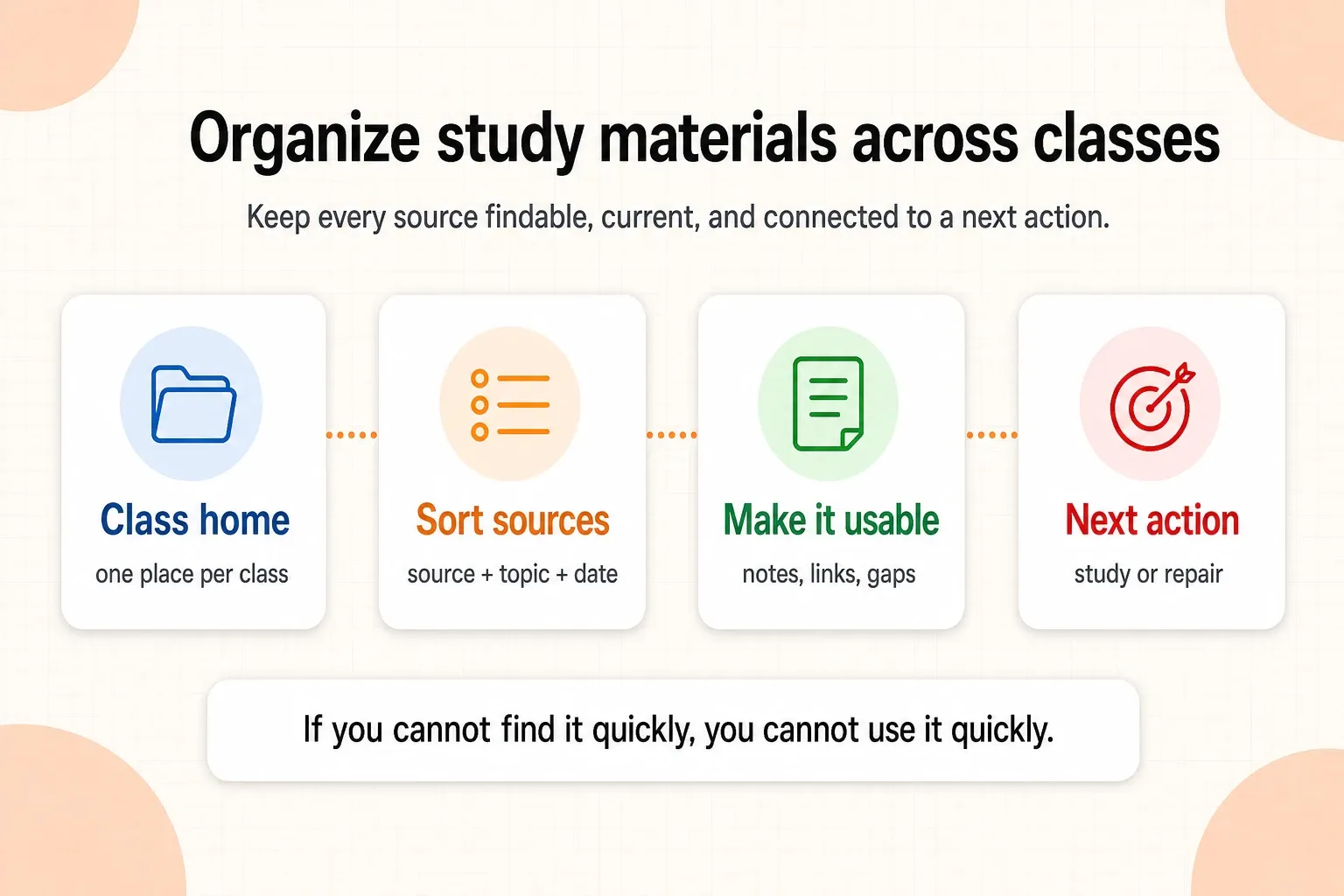
The most useful system is simple: give every class a clear home, give every resource a role, use the same naming pattern, and keep a short list of what needs attention next. Use the class as the storage location, then use topics, exams, and deadlines to decide what to retrieve first. This works with folders, binders, cloud storage, notes apps, or a study workspace. The tool matters less than being able to answer three questions quickly: What class is this for? What does it contain? What is the next action?
How to organize study materials for multiple classes
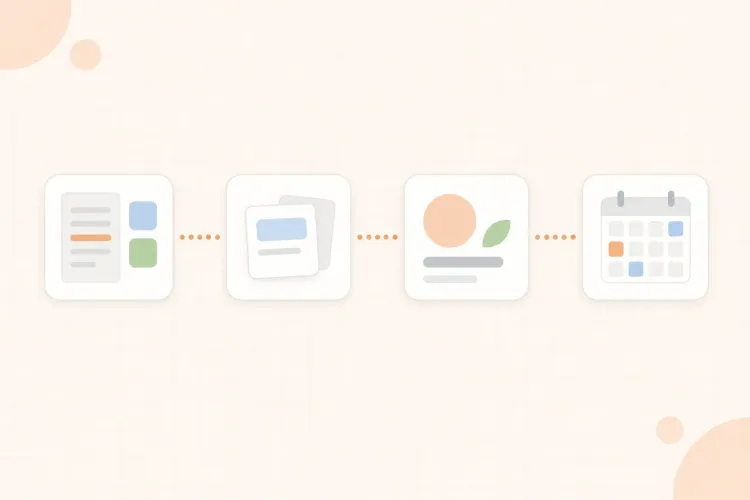
Set up the structure once, then let each class follow the same pattern. A useful system has four layers: a home for the class, a predictable place for source material, a working area for notes and practice, and a short action list for unfinished work.
- Create one top-level space per class. Use the official course name or a short version you will recognize immediately. Avoid mixing all classes into one folder called "School" with no further structure.
- Use the same subfolders or sections for every class. Start with "00 Course Info", "01 Sources", "02 Notes", "03 Assignments", "04 Practice", and "05 Review". Put the syllabus, exam dates, assignment deadlines, and grading information in "00 Course Info".
- Keep active work separate from reference material. A lecture PDF, textbook chapter, or syllabus is a source. Your cleaned notes, question set, error log, and exam checklist are study work built from that source. Keeping those roles distinct prevents a folder full of files from looking like a finished study system.
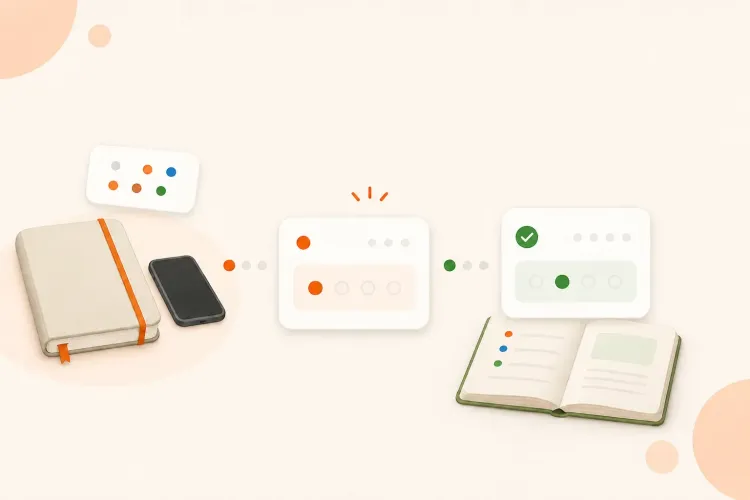
- Add an action status to unfinished items. Mark a file or note as "to sort", "to understand", "to practice", or "ready for review". A status tells you what the material needs; a filename alone usually does not.
This structure is deliberately ordinary. A system you can repeat after every lecture is more useful than a complex dashboard you stop maintaining after two weeks. That same principle appears in this guide to organizing digital study materials: use clear folders, keep versions manageable, and make older material easy to retrieve rather than mixing everything together.
Separate sources, working notes, and practice
A common mistake is to treat every file as if it has the same job. Your professor's slides, your first lecture notes, a corrected study guide, and a set of missed questions should not be interchangeable. Give each item a role so you know how to use it.
| Material | What it is for | What to do with it |
|---|---|---|
| Source | Preserve the original information | Read, annotate, or verify against it |
| Working notes | Rebuild the idea in your own structure | Clarify gaps and connect related topics |
| Practice | Test whether you can use the material | Answer, solve, mark, and retry |
| Review record | Remember what still needs attention | Schedule the next focused repair |
For example, a file called "Week 4 notes" tells you almost nothing about its state. "Biology / 04 Notes / Cell respiration / working notes / needs-check" tells you the class, topic, role, and next status before you open it. The extra detail is useful because it reduces the number of decisions you have to remake.
Do not rewrite every source just to make the folders look consistent. Preserve the original file, then create a cleaner working version only when it will help you understand, retrieve, or practice the material. For dense documents, you can study a PDF without rereading it line by line while keeping the original available for checking.
Use names that answer the next question
A naming system should help you search and sort, not prove that you are organized. Use a consistent pattern such as:
"Class - topic - material type - date or status"
Examples:
- "Calculus - integration by parts - lecture slides - 2026-09-14"
- "History - industrialization - working notes - needs-check"
- "Biology - cell respiration - questions - retry Friday"
- "Statistics - hypothesis tests - error log - current"
Use dates when sequence matters, such as lecture recordings, assignments, or drafts. Use topic names when you will revise by concept. Avoid names such as "final final v2", "notes new", or "stuff to study"; they hide the information you will need later.
If you work on paper, the same logic still applies. Put a class and topic on the first page, date each session, and use tabs or a short index to distinguish source handouts, working notes, practice, and corrections. Digital and paper systems can use the same structure even when the containers are different.
Organize by topic before exam week
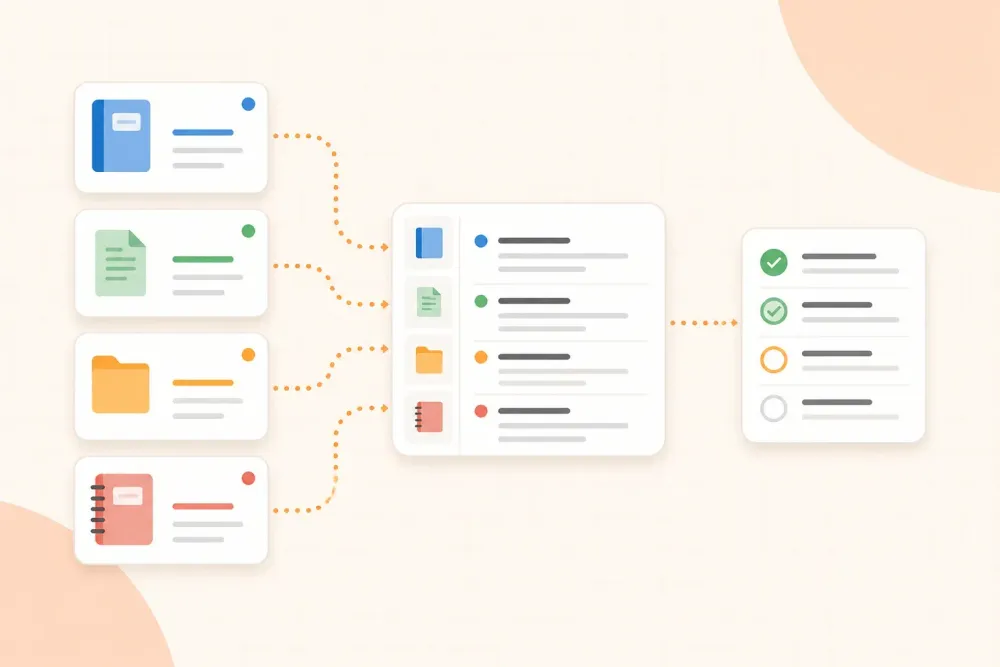
Class folders are useful for storage, but exams are usually organized around topics and question types. Add a lightweight topic index so you can see which sources belong to the same unit and retrieve the right material before a deadline. In practice, the class folder stores the files, the topic index connects them, and the exam date tells you what deserves attention first. It might contain five columns: topic, source, current notes, practice status, and next review.
| Topic | Source | Working material | Practice status | Next action |
|---|---|---|---|---|
| Enzyme inhibition | Lecture 6 + lab sheet | Comparison notes | Two missed distinctions | Answer six contrast questions |
| Cell respiration | Slides 3-5 | Pathway sketch | Can name stages | Explain links without notes |
| Genetics vocabulary | Reading + tutorial | Flashcards | Mostly stable | Re-test at the weekend |
The index is not another set of notes. It is a map. It tells you where the material came from, what you have already done with it, and what action would move it forward. That distinction keeps organization from becoming a second form of passive rereading.
Build a small intake routine
New material should not remain in a downloads folder or an unlabeled note. After a lecture, reading, or assignment, use the same short intake routine:
- Identify the class and topic. If you cannot place the material, add a temporary "unclassified" label rather than hiding it.
- Preserve the original. Keep the source unchanged so you can check wording, diagrams, page numbers, and instructions later.
- Give it a useful name. Include the class, topic, type, and date or status.
- Add one line about its role. Write whether it is a source, working note, assignment, practice set, or review record.
- Choose the next action. Sort it, read a section, clarify a gap, create questions, or schedule a practice attempt.
The routine should take less time than the search it prevents. If an item needs a long cleanup, do the minimum needed to make it findable and put the deeper work on your action list.
Keep one action list across classes
Separate class spaces make storage easier, but they can hide the work that is competing for your time. Keep one small cross-class action list with items such as:
- Verify the definition in the economics reading.
- Turn the anatomy diagram into six recall questions.
- Submit the statistics draft before Thursday.
- Retry the two calculus problems marked as setup errors.
- Move the history lecture notes from "to sort" into the correct topic.
Each item should contain a verb, a topic, and a stopping point. "Study chemistry" is too broad to start. "Explain Le Chatelier's principle from memory and check two exceptions" gives you a task that can be scheduled and completed. When the action involves reviewing a dense PDF or a set of lecture notes, link the task to the source instead of creating a second disconnected copy.
Use AI without creating another pile
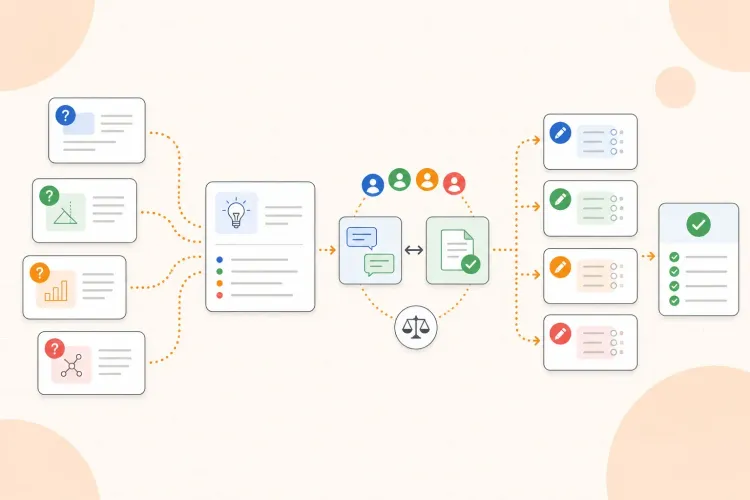
AI can help organize a large set of class material, but generating another summary for every file can make the system harder to use. Give the tool a clear source, ask it to preserve uncertainty, and save the result beside the material it came from. Keep the original source linked so you can verify a claim instead of treating generated text as a replacement.
A useful AI output should have a role: a topic outline to help you navigate, a list of unclear points to investigate, a set of practice questions, or a comparison between two sources. If you use AI to clean up lecture notes, this guide shows how to keep the source check in the loop. Treat the generated structure as a working layer, not the final authority.
Review the system once a week
A weekly review prevents the structure from slowly filling with duplicates and abandoned files. For each class, check:
- Is every new source in the right class and topic?
- Are there several versions of the same notes, and which one is current?
- Which topics have sources but no working notes or practice yet?
- Which completed assignments or old drafts can be archived?
- What are the next one or two actions that matter before the next deadline?
Do not use the review to redesign the whole system every week. Fix broken names, archive obvious duplicates, update the topic index, and choose the next actions. If several deadlines start competing, use a revision timetable built around realistic available time rather than adding tasks to an imaginary week. At the end of a semester, archive the completed class folder under the semester and keep the topic index with it. That preserves the source trail without letting old material crowd the current classes.
Organizing study materials is successful when it shortens the distance between a source and a useful action. Give each class a home, label each item by topic and role, preserve the source, and keep unfinished work visible. Then you can spend less time asking where something is and more time deciding what to do with it.