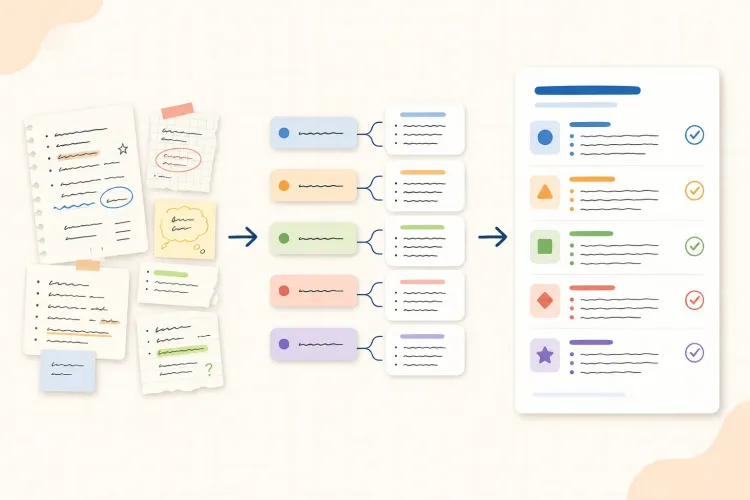

AI can turn a lecture recording, slide deck, or rough page of notes into something polished in seconds. That does not automatically make the result useful. A perfect transcript can still leave you with a weak understanding of the material if you never decide what matters, test what you remember, or check whether the generated notes are accurate.
The most reliable approach is a shared workflow: keep attention and judgment with the student, then use AI for organization, cleanup, comparison, and question generation. The goal is not to produce the longest notes. It is to create a trustworthy set of ideas that can support review later.
How to take better lecture notes with AI
Start with a simple target for each lecture. Capture the main idea, the evidence or example that supports it, and anything that remains unclear. This gives AI useful boundaries later and keeps the notes focused on understanding rather than transcription.
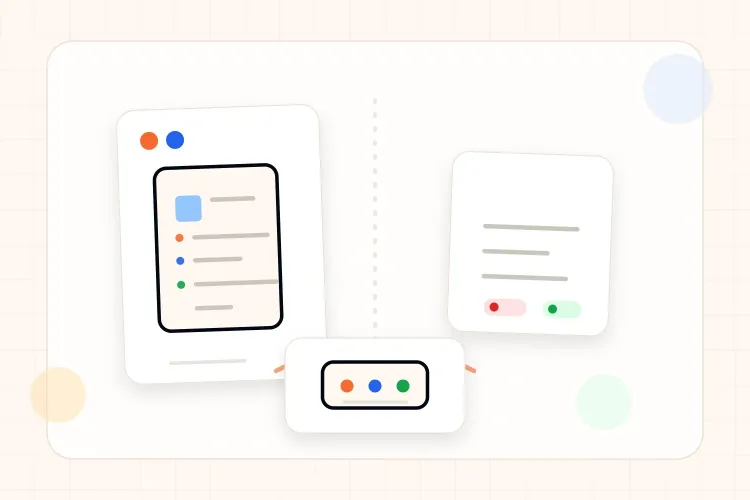
A practical note can therefore contain three layers:
- Key idea: the claim or concept the lecturer wants students to understand.
- Support: an example, diagram, definition, equation, or connection.
- Question: a point that needs clarification or later practice.
Before the lecture: give AI the right context
AI produces better notes when it knows what the lecture is about. Add the syllabus topic, assigned reading, lecture slides, or the previous class summary when those materials are available. Then define the format before asking for any rewrite. For example, ask for a short outline followed by key terms, supporting examples, open questions, and timestamps that need checking.
This context also helps separate new material from familiar material. If a lecture builds on a previous definition, the note can show the relationship instead of repeating the definition without explanation.
During the lecture: capture selectively
Do not try to write every sentence while listening. Record short phrases, relationships, examples, and questions in your own words. If a recording or transcript is available, mark timestamps beside the places that seem important or uncertain. Those markers give AI something concrete to organize after class and make it easier to return to the original explanation.
Check your instructor's and institution's policies before recording a lecture or uploading course material. Permission and privacy matter, especially when other students or sensitive information may be included. If recording is not allowed, use your own notes and approved course resources instead.
After class: clean the notes while the lecture is fresh
Use AI to turn fragments into a readable structure, but keep the original fragments nearby. Ask it to group related ideas, preserve uncertainty, identify missing context, and separate the lecturer's explanation from an example or personal interpretation. Do not ask for a confident rewrite that hides gaps. A visible question is more useful than a smooth sentence built on a mistake.
Review the cleaned notes within a day. Cornell's note-taking guidance recommends reviewing, reciting, and reflecting rather than simply rereading, while Princeton's learning guidance emphasizes reviewing soon after class and looking for main ideas and supporting details. See the Cornell note-taking system and Princeton's lecture-note guide for the reasoning behind this sequence.
A five-minute check is enough to catch many problems: compare the summary with the slides or timestamp, correct terms that look unfamiliar, and add one sentence explaining the lecture's main point. That final sentence forces the notes to become an interpretation rather than a storage space.
Turn cleaned notes into questions
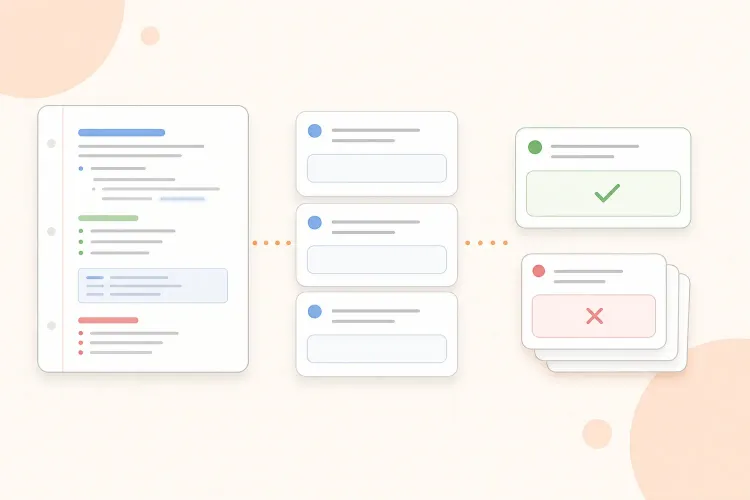
The finished notes should lead to practice. Ask AI to create a small set of questions from the checked material, with a mix of definitions, explanations, comparisons, and applications. Keep the relevant source note or timestamp beside each question so an incorrect answer can be traced back to the explanation.
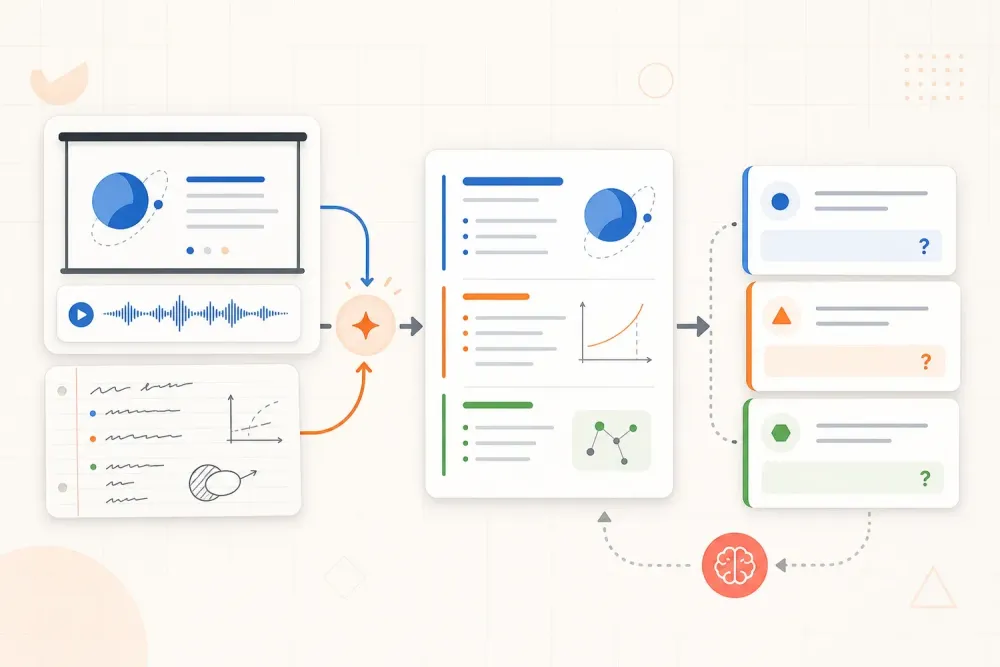
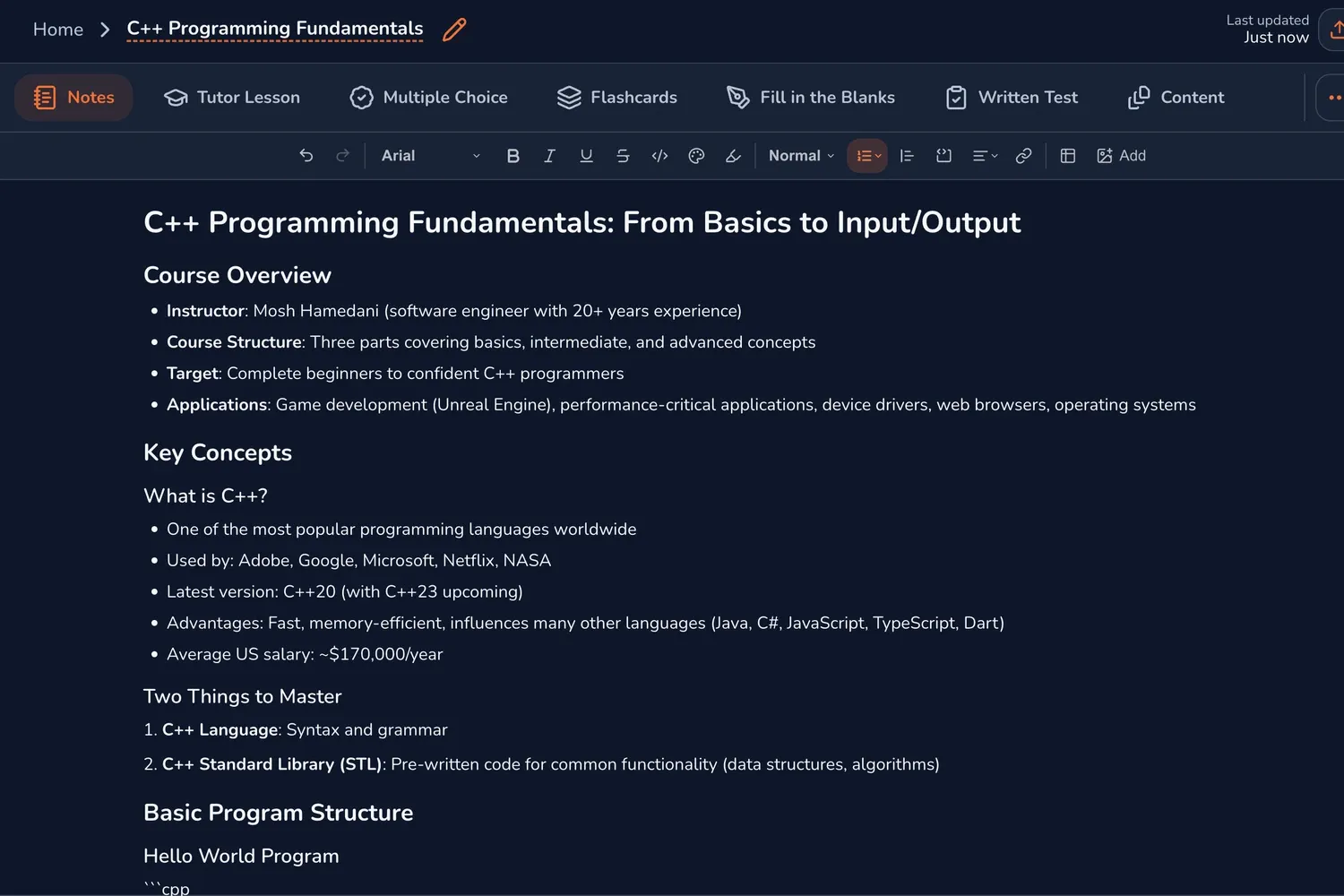
Answer the questions before looking back. If the lecture is recorded, Muneo can help you organize a video into notes before the recall step. For a broader guide to responsible AI use in studying, see this guide to using AI in a study workflow.
A simple AI note-cleanup workflow
Use the same sequence each time so the tool supports a repeatable habit:
- Add your rough notes, approved transcript, slides, or reading.
- Ask for a short outline of the main ideas and their relationships.
- Ask for unclear terms, possible transcription errors, and claims that need source checking.
- Compare the output with the lecture and correct it in your own notes.
- Write a one-sentence summary without looking at the source.
- Generate a few questions and answer them from memory.
The most important instruction is to preserve uncertainty. AI should label a phrase as unclear, suggest two possible interpretations, or point to a timestamp rather than inventing a missing detail. This makes the review step faster and keeps errors visible.
When preparing the request, tell AI to use only the supplied lecture, slides, or reading; preserve the lecturer's order of ideas; separate key concepts from examples; flag unclear or conflicting statements; attach timestamps when available; and finish with unresolved questions and recall questions. This is more useful than asking for a generic summary because it defines what the notes must support: understanding, verification, and retrieval practice.
What AI should not do for your lecture notes
AI is useful for reducing friction, but four shortcuts usually make notes weaker:
- Replacing listening with a transcript. A transcript records words, not priorities or relationships.
- Treating a polished paragraph as verified. Fluent wording can still contain a wrong term or missing condition.
- Removing every question. Uncertainty tells you what to investigate and practice next.
- Generating a huge study pack. More pages do not create more learning if they are never recalled.
A good test is whether the cleaned note helps you answer a question with the source closed. If it only looks organized when the lecture is open beside it, it still needs interpretation or practice.
Example: a 50-minute biology lecture
Imagine a 50-minute lecture on cellular respiration. During class, the student records 12 rough bullets, marks three timestamps, and writes three questions: where the proton gradient is created, why oxygen is needed, and how ATP yield changes between stages.
Here is the transformation in miniature:
| Stage | What it contains | Why it matters |
|---|---|---|
| Raw capture | 12 rough bullets, 3 timestamps, and 3 questions | Preserves what seemed important during the lecture |
| AI pass | 5 connected ideas and a short summary | Gives the material a structure that can be checked |
| Human check | One terminology error corrected and the oxygen condition restored | Keeps the study version accurate |
| Practice set | 5 verified notes, 3 open questions, and 6 recall questions | Turns the notes into the next study action |
One note might begin as: Oxygen involved at end? After the AI pass, it becomes: Oxygen acts as the final electron acceptor in the electron transport chain. The student then checks that statement against the relevant slide and timestamp before using it as a study note.
This is more useful than a full transcript because it preserves the lecture's structure and points directly to what needs practice. The student still does the important work: noticing relationships, checking accuracy, and attempting recall.
The lecture-note workflow to repeat
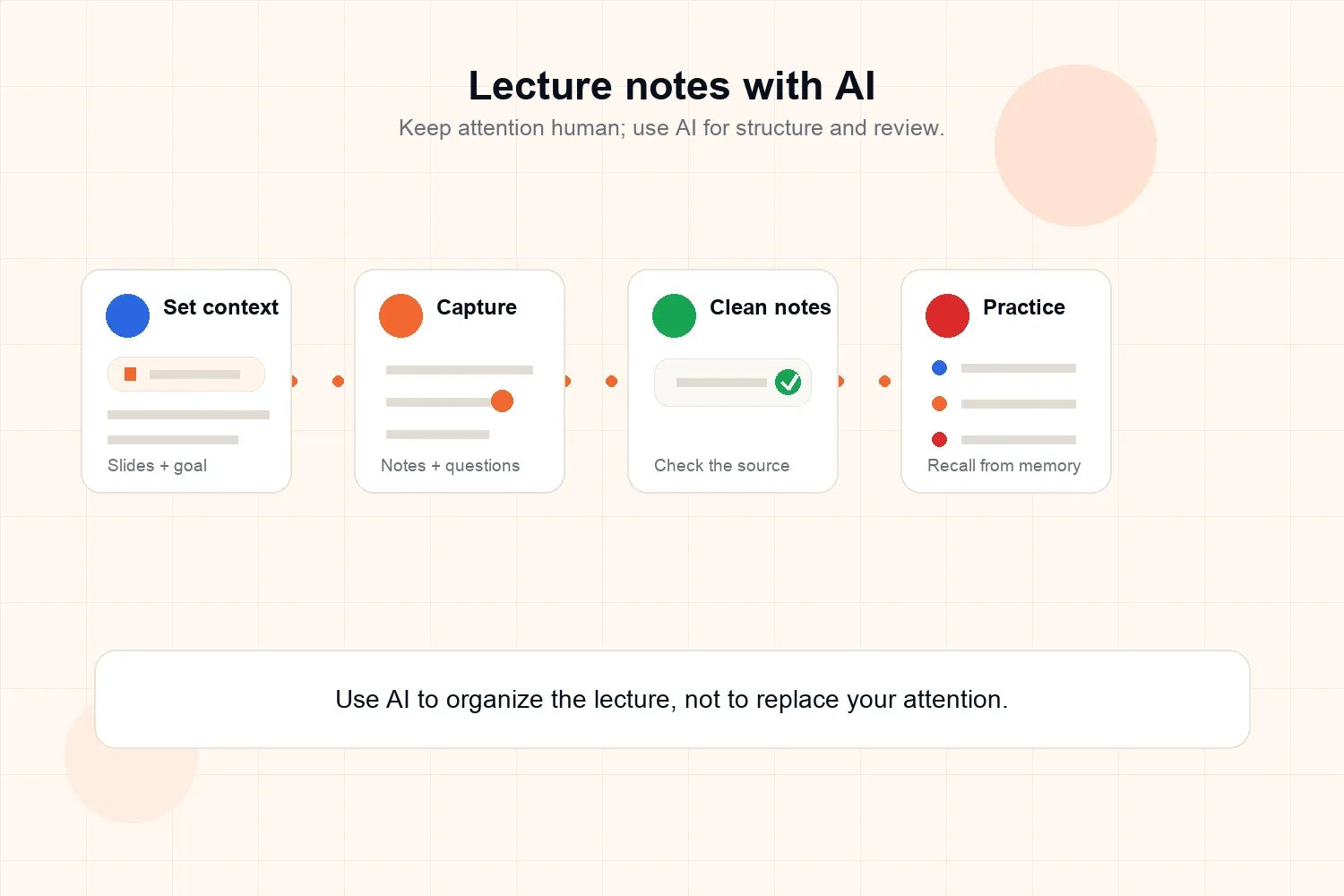
Before class, define the topic and add the context AI will need. During class, capture ideas, examples, questions, and timestamps selectively. After class, use AI to structure the material, check every important claim against the source, and turn the cleaned notes into questions. Review the questions with the lecture closed, then return to the source only to repair a specific gap.
The best role for AI in lecture notes is not to think in your place. It is to make your own thinking easier to organize, inspect, and practice.