
PDFs are easy to open and hard to remember. You can read the same chapter three times, highlight half the page, and still struggle when the answer is not visible.
The problem is not the PDF itself. The problem is using the PDF as the whole study session. A PDF is a source. To remember it, you need to turn that source into questions, explanations, written answers, and review decisions.
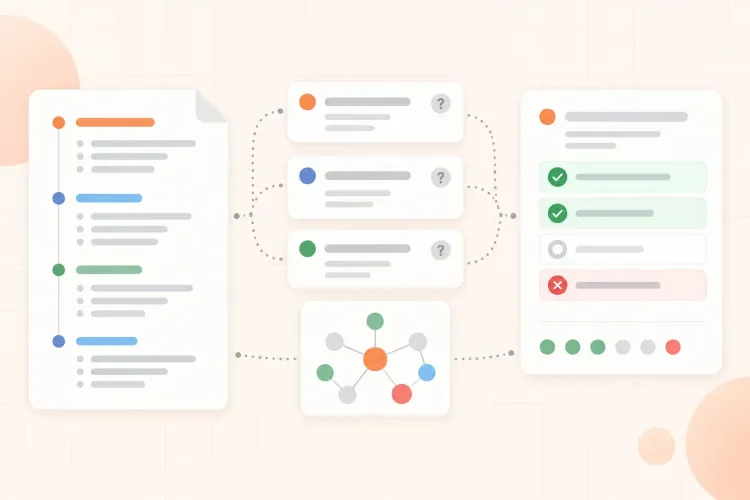
A better PDF study workflow is simple: choose a small part of the document, create prompts from it, close or hide the PDF, answer from memory, then check what was missing. That turns passive reading into active practice.
Why PDFs lead to passive rereading
Most PDFs were not designed for studying. They were designed to store information: textbook chapters, research papers, lecture slides, reports, worksheets, readings, and handouts.
That creates three common traps:
- The document feels complete, so your notes feel unnecessary.
- The page is dense, so rereading feels like progress.
- The answer is always visible, so recognition feels like memory.
Recognition is the feeling of "I have seen this before." Recall is the ability to produce the idea without the page open. Exams, assignments, discussions, and real work usually need recall, not recognition. This matters because a PDF can make reading feel smoother than your memory actually is. A meta-analysis on paper versus digital reading found a small comprehension advantage for paper, especially with informational texts and time pressure. That does not mean every PDF should be printed, and it does not make digital reading useless. It means a PDF study session needs an active step beyond scrolling and recognizing the page.
This is why a PDF can feel familiar without being usable. You may understand a paragraph while reading it, but that does not mean you can explain it later, apply it to a question, or rebuild the steps from memory.
If active recall is new to you, the broader method is explained in this guide to active recall. The PDF version below applies the same idea to dense documents.
Passive PDF reading vs active PDF studying
| Passive PDF reading | Active PDF studying |
|---|---|
| Read the same pages again | Pick a small section and test it |
| Highlight what looks important | Turn headings and examples into questions |
| Keep the answer visible | Answer before reopening the PDF |
| Restart from page one | Review only the gaps you found |
The active version is not longer. It is just more honest: you find out what you can actually explain, solve, or rebuild without the page open.
The PDF study loop
Use this loop for most PDFs:
- Pick a small section.
- Identify the ideas that could become questions.
- Close or hide the PDF.
- Answer in your own words.
- Check the source and mark gaps.
- Review weak sections sooner.
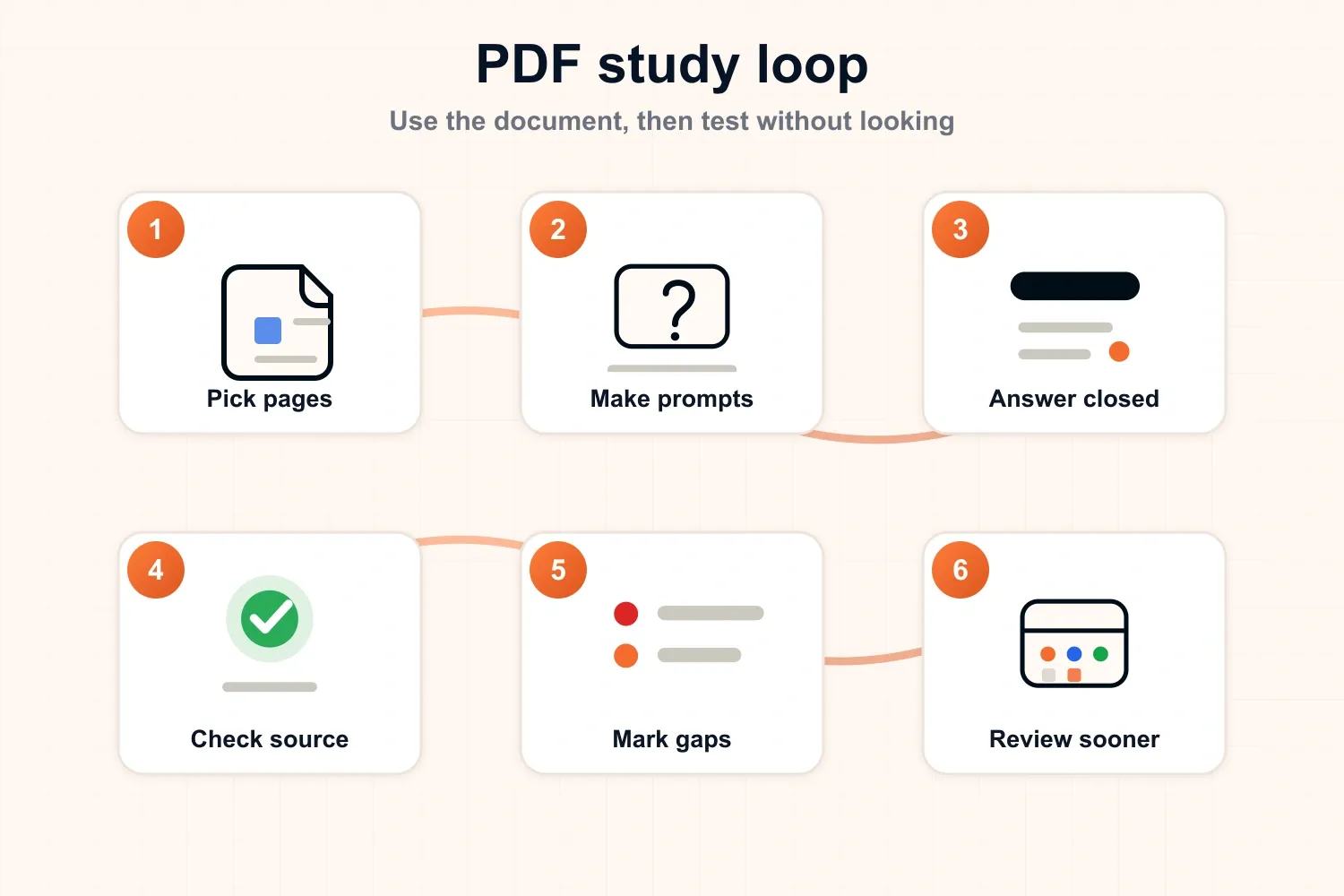
The key is size. Do not try to study a 40-page PDF in one pass. Choose one subsection, two pages, one diagram, one worked example, or one lecture handout section. Small sources make honest recall possible.
Step 1: skim the PDF once for structure
Start with a short orientation pass. The goal is not to memorize yet. The goal is to understand what the PDF contains and where the important sections are.
Look for:
- Headings and subheadings.
- Bold terms or definitions.
- Diagrams, tables, formulas, and examples.
- Summary boxes or learning objectives.
- Questions at the end of the chapter.
- Repeated ideas across slides or pages.
Keep this pass short. If you spend too long skimming, it quietly becomes rereading. For a normal chapter or lecture PDF, five minutes is usually enough to choose where to start.
How to study a scanned or image-based PDF
First check whether you can select and search the text. If you cannot, the PDF may be a scan rather than a text-based document. Use a trusted OCR tool before asking AI to outline it, and check important definitions, formulas, and names against the page image because OCR can misread symbols or column layouts.
Once the text is readable, keep the page number beside each question or answer. For diagrams, tables, and equations, do not rely on extracted text alone: describe what the visual shows, then reopen the page to verify the relationship. A clean text layer makes the document searchable, but the original page remains the source of truth.
Step 2: choose a small section
A good PDF study section should be small enough that you can test it properly.
Use this rule of thumb:
| PDF type | Good study chunk |
|---|---|
| Textbook chapter | One subsection or 2-4 pages |
| Lecture slides | 5-10 connected slides |
| Research paper | One section, figure, or method |
| Problem set | One worked example or problem type |
| Exam guide | One topic from the specification |
If the section still feels too large, split it again. You are not trying to finish the PDF quickly. You are trying to create a study unit that can be remembered and checked.
Step 3: turn the PDF into questions
Questions are what make the PDF active. They force you to do something with the source instead of just looking at it.
Use these conversions:
- A heading becomes: "What is this section mainly about?"
- A definition becomes: "What does this term mean, and what is an example?"
- A process becomes: "What are the steps, in order?"
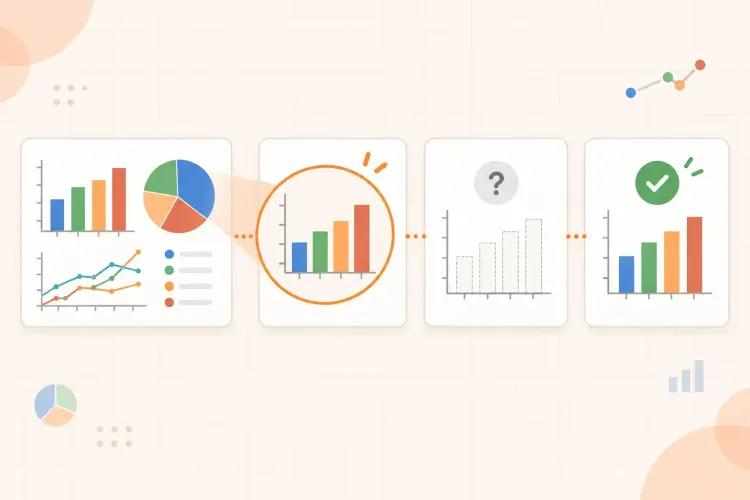
- A diagram becomes: "Can I label or explain each part?"
- A formula becomes: "When should I use this, and what does each variable mean?"
- A comparison becomes: "How are these two ideas different?"
- A worked example becomes: "Can I solve a similar problem without looking?"
For example, if a PDF section says "Photosynthesis converts light energy into chemical energy through light-dependent reactions and the Calvin cycle," useful questions might be:
- What is photosynthesis trying to produce?
- What happens in the light-dependent reactions?
- What does the Calvin cycle use and produce?
- How are the two stages connected?
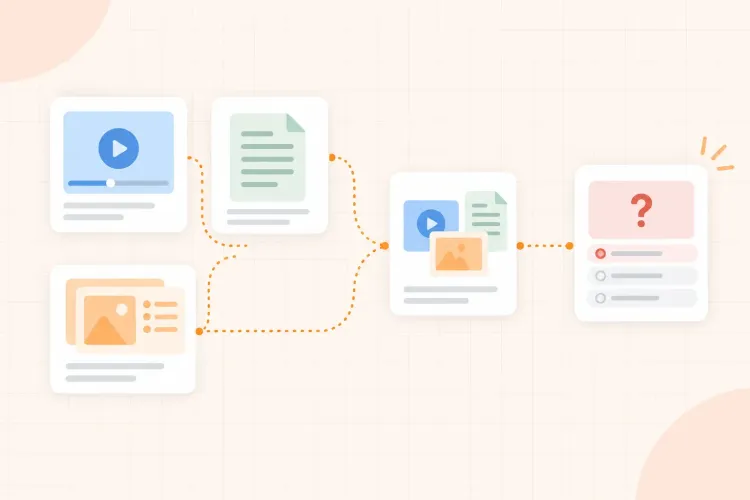
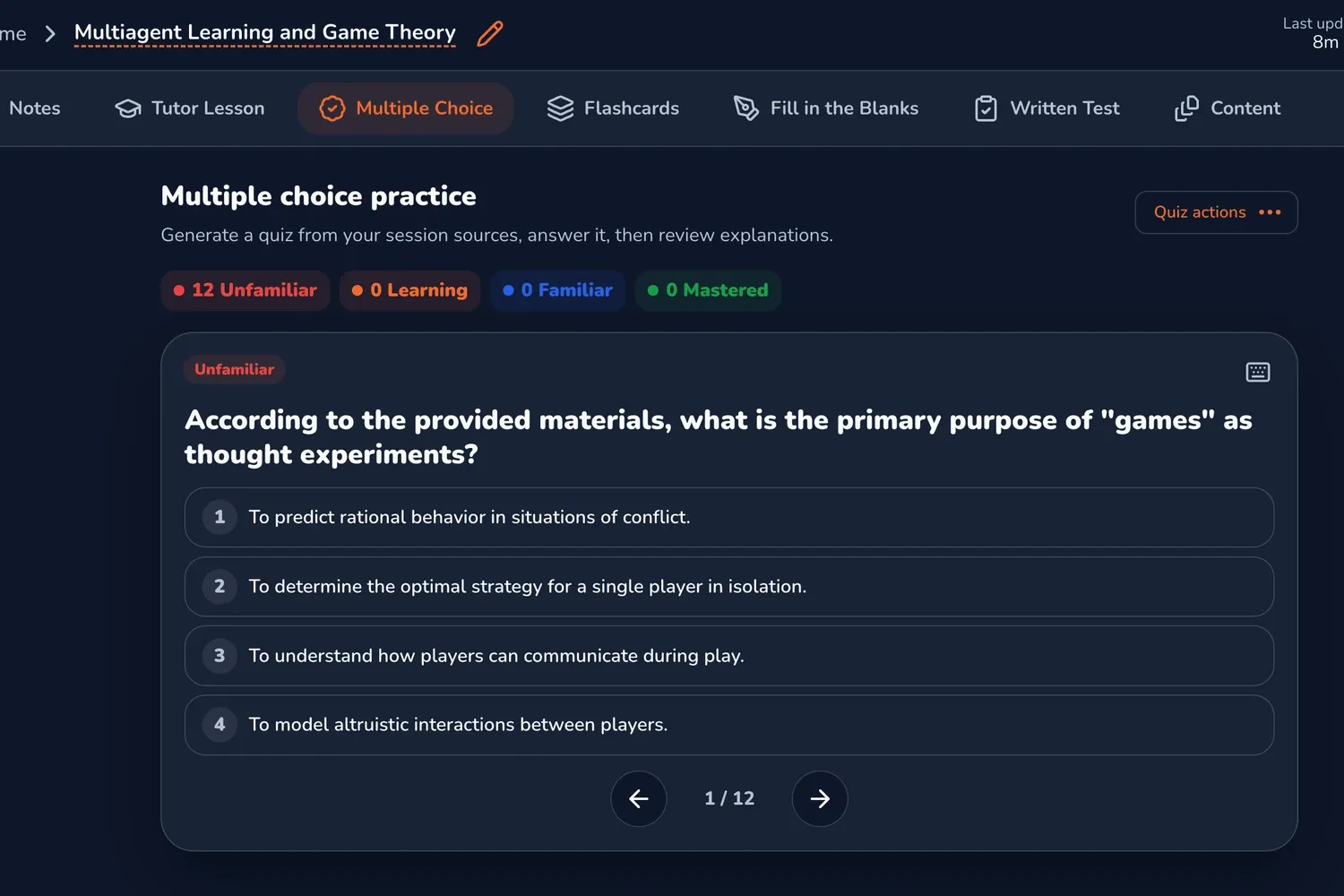
For dense documents, you can also create practice questions from a PDF, then use those questions as a starting point. Here is what that looks like in practice: a source document becomes focused questions you can answer, miss, correct, and review. The important part is still the same: try before looking back at the page.
Step 4: answer without the PDF open
This is where the study happens. Close the PDF, cover the relevant paragraph, move the source out of view, or put the questions on a blank page. Retrieval itself strengthens later memory. This is often called the testing effect, and it is illustrated in Roediger and Karpicke's study on test-enhanced learning.
Then answer in the format that matches your subject:
- Short written answers for definitions and concepts.
- Step-by-step working for math, coding, accounting, physics, or chemistry.
- Diagrams from memory for biology, geography, anatomy, and systems.
- Bullet explanations for history, economics, law, or theory-heavy topics.
- A spoken explanation if you need to present or discuss the idea later.
Do not worry if the first answer is incomplete. An incomplete answer is useful because it shows which part of the PDF you cannot recall yet.
Step 5: check the source and mark the gap
After you answer, reopen the PDF and compare your answer with the source. Be specific about what went wrong.
Most mistakes fall into one of four groups:
| Gap type | What it means | What to do next |
|---|---|---|
| Missing fact | You forgot a detail | Add a focused question |
| Vague explanation | You understood the topic weakly | Rewrite it in simpler words |
| Wrong connection | You mixed up cause, order, or relationship | Make a comparison or process question |
| Cannot start | The section is too hard or too large | Split it and reread once for orientation |
Avoid marking everything as simply "wrong." A missing definition and a confused process need different fixes. Better feedback makes the next study round shorter.
Step 6: review weak sections sooner
Once you know what was weak, do not restart the whole PDF from page one. Review the weak section first.
A simple review plan looks like this:
- Same day: retry the missed questions after a short break.
- Next day: answer the weak questions again without the PDF.
- Later in the week: mix those questions with other topics.
- Before the exam: rebuild the topic map or solve a fresh problem.
Strong sections can wait longer. Weak sections should come back sooner. That is how the PDF becomes a review plan instead of a pile of pages.
What not to do with PDF notes
Notes can help, but they should not become a copy of the PDF. If your notes are just rewritten paragraphs, you may be doing extra work without creating much retrieval.
Better PDF notes are short and testable:
- Key question.
- Your answer.
- Corrected answer.
- Weak point.
- Next review date or priority.
That format keeps the source, recall attempt, feedback, and next action connected.
How to study a long PDF before an exam
Do not give every page the same priority. Start with the syllabus, learning objectives, or exam outline and mark the sections that are most likely to be assessed. Then split the document into small study blocks instead of trying to finish the full file in one sitting.
For a 100-page PDF, a practical first pass might identify the five or six sections that matter most, create questions from one section at a time, and leave a short list of lower-priority pages for later. The goal is to know what you can answer without the PDF open, not to produce notes for every page.
If time is limited, spend the final review window on missed questions, diagrams you cannot rebuild, and concepts that connect several sections. This gives a long document a priority order and turns the remaining pages into a decision rather than an obligation.
A 30-minute PDF study session
Use this when you have limited time:
- Spend 5 minutes skimming the PDF and choosing one section.
- Spend 8 minutes turning headings, diagrams, and examples into questions.
- Spend 10 minutes answering without looking.
- Spend 5 minutes checking the PDF and marking gaps.
- Spend 2 minutes choosing what to review next.
If you prefer to keep sources, notes, questions, flashcards, quizzes, and review in one place, you can keep your PDF study workflow in one place. But the habit works anywhere: use the PDF as the source, not as the whole study method.
The takeaway
Rereading a PDF asks, "Does this page look familiar?" Studying from a PDF asks, "Can I use this without the page open?"
That second question changes the session. It turns headings into prompts, diagrams into memory checks, examples into practice, and mistakes into a review plan.
Do not reread the whole PDF again by default. Pick a section, close the page, try, check, and let the gaps tell you what to study next.