
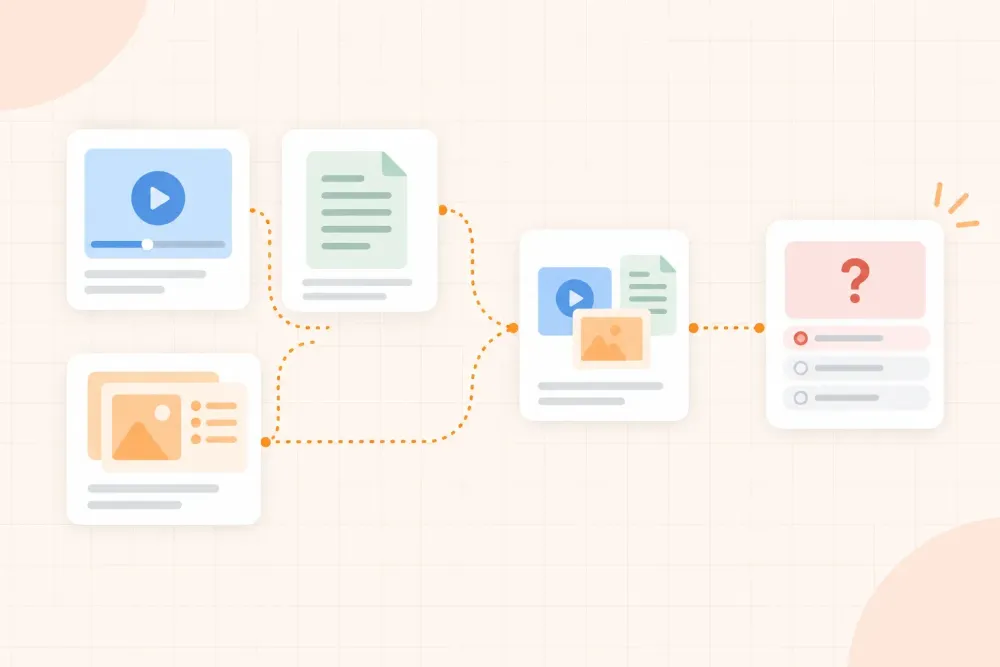
A lecture recording preserves the explanation, examples, and emphasis. A transcript gives you searchable text that is usually faster to scan, copy into notes, and turn into questions. Slides show the structure, but they may leave out the reasoning that connects one point to the next.
So which should you study? Choose based on the task. Use a transcript when you need to locate a definition, compare sections, or build a first question set. Use the recording when the lecturer’s explanation, worked example, or emphasis carries meaning that the transcript makes harder to follow. Use slides to see the course map, then return to the most useful source for the detail.
Lecture recordings vs transcripts: the short answer
A transcript is usually the better starting point for searching, organising, and writing study questions. A recording is usually better for understanding a difficult explanation, following a demonstration, or noticing what the lecturer stressed. Slides are best for seeing the scope and sequence of the session.
If the topic is unfamiliar or the transcript contains unclear phrases, combine them: use the transcript to find the relevant section, then watch or listen to that short part of the recording. This avoids replaying an entire hour when you need one explanation.
Start with the study task, not the format
Before opening the source, name the job you need it to do. One lecture can justify different sources at different stages of your study session.
| Your immediate task | Best first source | Why |
|---|---|---|
| Find where a concept was introduced | Transcript | Searchable wording gets you to the section quickly |
| Understand why a method works | Recording | The explanation and worked steps may matter more than the script |
| See what the lecture covered | Slides | Headings and diagrams show the session structure |
| Build recall questions | Transcript or slides | Text and headings are easier to turn into prompts |
| Revisit a confusing example | Short recording segment | Voice, pacing, and demonstration can clarify the sequence |
| Check what the lecturer emphasised | Recording with slides open | Delivery and visual emphasis work together |
This decision prevents a common mistake: choosing the most complete source instead of the most useful one. An hour-long recording may contain everything, but a transcript or slide outline may be the better tool when you only need to locate three ideas.
When a transcript is better than a recording
Choose the transcript first when speed and structure matter more than delivery. It is particularly useful when you need to:
- search for a term, formula, name, or definition
- compare how two ideas are explained in different parts of the lecture
- collect the lecturer’s wording for a difficult concept
- mark sections to revisit later
- turn a lecture into short-answer or recall questions
- skim several lectures before deciding which ones need deeper study
A transcript also makes it easier to see the full shape of a lecture. You can scan headings, repeated terms, examples, and transitions without waiting for the speaker to reach them. That makes it a strong source for building a first study map.
A transcript is not automatically accurate or complete. Speech-to-text can mishear technical vocabulary, remove punctuation, or flatten a distinction that was clear in the room. Use it as a fast route into the material, then check important terms against the slides, textbook, or recording.
When the recording is worth the extra time
Return to the recording when the meaning depends on more than the written words. This often happens when the lecturer:
- works through a problem step by step
- explains why one interpretation is stronger than another
- changes the example while speaking
- points to a diagram, slide, or demonstration
- signals what is likely to matter without putting it in the notes
- answers a question that exposes a common misunderstanding
The recording is also useful when the transcript feels technically correct but difficult to understand. A pause, contrast, repeated phrase, or spoken example can show how the ideas fit together. You do not need to rewatch the entire lecture. Find the relevant timestamp, listen actively, and write what the delivery added.
Choose differently if you missed the lecture
If you attended the class, your notes and the slides may already give you enough structure to use the transcript as a search tool and replay only unclear sections. If you missed the class, start with the slides or a short transcript scan so you know the topic sequence, then use the recording to rebuild the explanations that the slides leave out.
Do not assume that a transcript can replace every part of a missed lecture. A diagram, demonstration, question from another student, or change in emphasis may not survive as clear text. Use the transcript to locate the section, the slides to check the visual structure, and the recording to restore the missing context.
What slides add to both sources
Slides are often incomplete notes, but that does not make them unhelpful. They show the lecturer’s chosen structure: which topics belong together, which diagrams anchor the explanation, and where a new section begins.
Use the slides to answer three orientation questions:
- What are the main sections of this lecture?
- Which terms, diagrams, or equations organise the topic?
- Which slide needs an explanation from the transcript or recording?
If you start with the full transcript, the slides can keep you from treating every sentence as equally important. If you start with the recording, the slides can give you a map before you replay a difficult section. For a deeper workflow, see how to study from lecture slides before an exam.
When to use a recording and transcript together
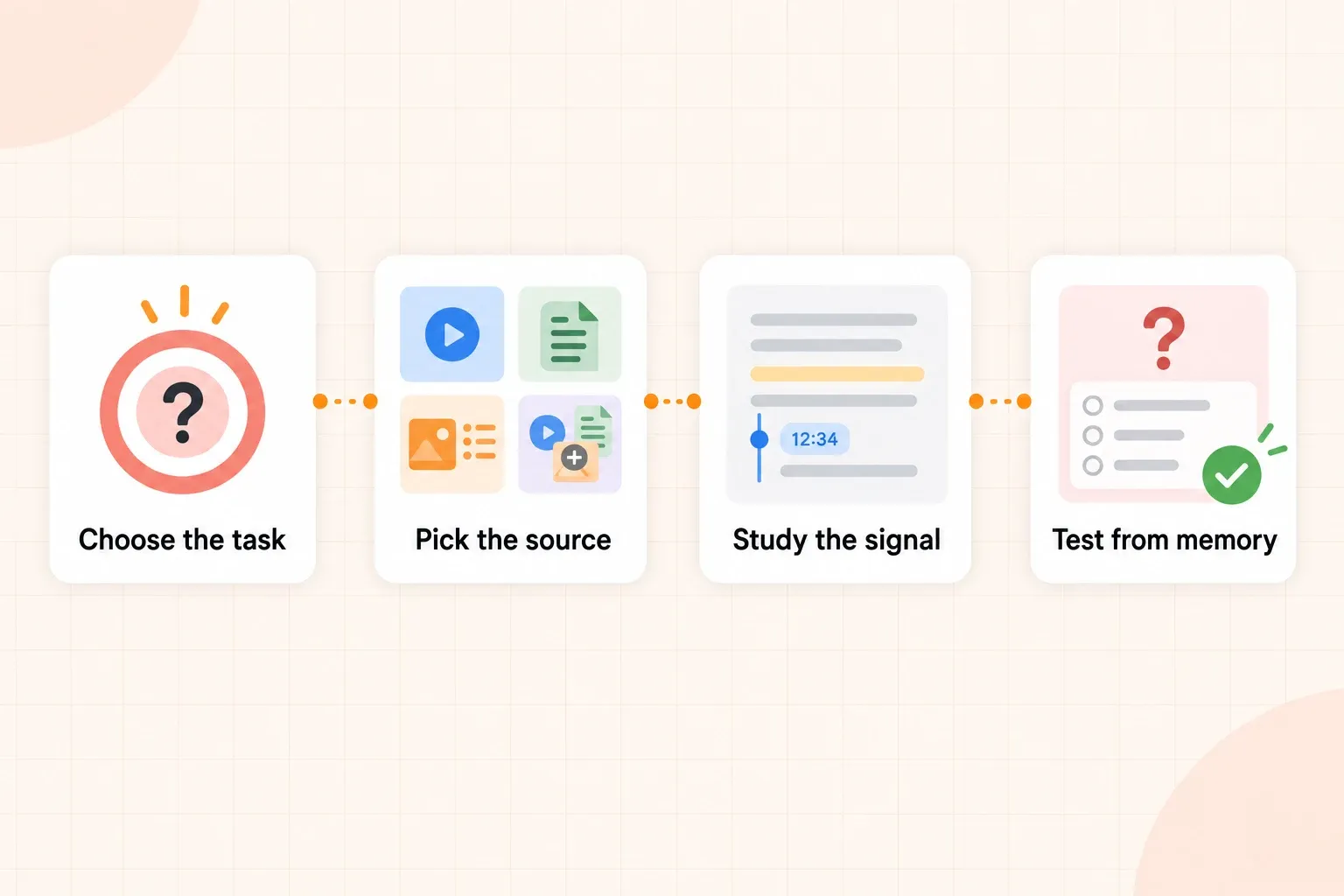
Use both when you need the speed of text and the context of the original explanation. A simple sequence is:
- Open the slides or transcript and identify the section you need.
- Read enough to state the question you are trying to answer.
- Jump to the matching timestamp in the recording.
- Note what the lecturer’s explanation adds: a reason, example, warning, or emphasis.
- Close the source and explain the idea in your own words.
- Write one question that would test the idea in a changed situation.
The point is not to create two complete sets of notes. It is to give each format one job. The transcript helps you navigate. The recording restores context. Your own explanation and question turn both into study material. Use recordings supplied or permitted by your institution, and check the relevant course rules before recording or uploading a class. Guidance from Oxford’s recorded-lecture guide also treats recordings as a supplement to attendance and other course material.
How to study a lecture without replaying everything
Full replays are rarely the best default. Use a two-pass process instead.
Pass one: build the map
Scan the slides or transcript. Mark the main topics, unfamiliar terms, worked examples, and places where the explanation changes direction. Do not try to memorise the lecture during this pass. Decide which sections deserve attention.
Pass two: repair specific gaps
Use the recording only for marked sections. Before you press play, write what you expect the section to clarify. Afterward, close the source and state what changed in your understanding. If the recording did not resolve the gap, check a textbook, ask a precise question, or find a worked example rather than replaying the same minutes without a purpose.
For help staying oriented during the original session, read how to keep up during a lecture when you feel lost. That article addresses the live class; this workflow is for studying the recording afterward.
Turn the chosen source into active study
Choosing a format is only useful if it changes what you do next. After selecting the source, produce something that can test your understanding.
From a transcript, extract a small set of questions. From a recording, note the explanation or example that the delivery made clearer. From slides, turn each important heading, diagram, or equation into a prompt. Then close the source and answer before checking the wording.
If you are working from a long transcript, you can turn a lecture transcript into recall questions once you have identified the sections that matter. That keeps the questions tied to the lecture instead of generating a broad list from every sentence.
Common mistakes when choosing a lecture source
Watching the full recording by default
A complete replay can feel thorough while producing very little you can recall. Mark the section you need, write the question it should answer, and replay only that part.
Treating the transcript as a perfect record
A transcript can mishear terms and remove visual or spoken context. Verify technical details and revisit the recording when emphasis or demonstration matters.
Treating slides as complete notes
Slides can show the structure without showing the reasoning. Use them to orient yourself, then fill the important gaps from the transcript, recording, or another source.
Keeping every format open at once
More tabs do not automatically create better understanding. Choose one primary source for the task and use another only to resolve a specific gap.
Taking notes while trying to understand a difficult segment
When a section is confusing, first identify the point of confusion. Then listen or read for that point. Notes taken without a question often preserve the confusion rather than solve it.
A quick way to choose
Ask: Do you need the exact words, the explanation behind them, the structure of the lecture, or all three?
- Exact words or fast navigation: start with the transcript.
- Explanation, emphasis, or a worked demonstration: use the recording.
- Scope, sequence, or visual relationships: start with the slides.
- A difficult topic with missing context: combine the transcript, slides, and a short recording segment.
Set a stopping point too. Once the source has given you the explanation you needed, close it and try to recall, explain, or use the idea. The next useful step is practice, not another passive pass through the same material.
The best format is the one that fits the work in front of you. Use transcripts to move quickly, recordings to recover meaning and emphasis, and slides to keep the session organised. When one format leaves a gap, borrow only the part of another format that repairs it, then close the source and test what you can do.