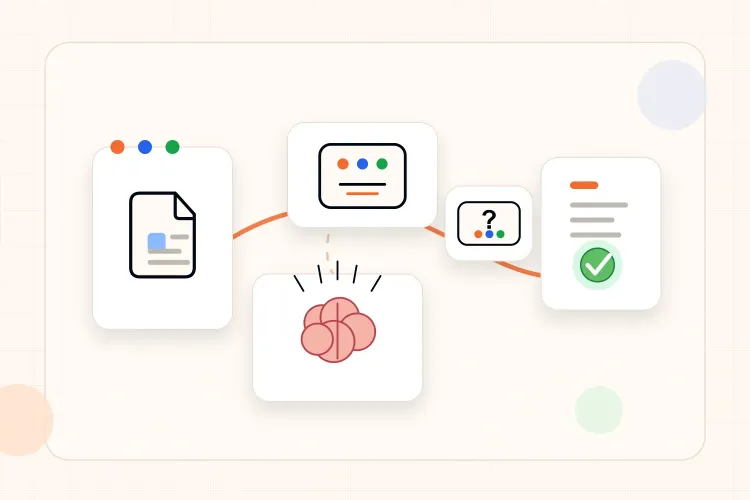

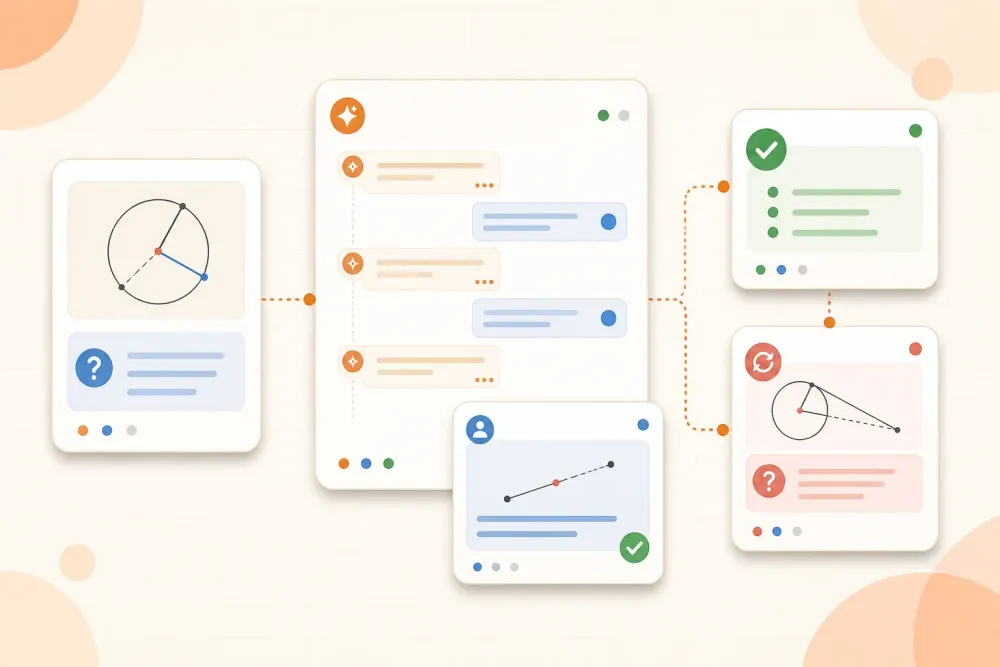
ChatGPT can explain a difficult topic in seconds, but an explanation is not automatically a learning session. If the tool gives the answer before you have tried, it can make a problem feel familiar without proving that you can solve it alone.
Used as a tutor, ChatGPT should make you retrieve, explain, choose, and correct. You provide the material and make the attempt. It asks the next useful question, gives a hint when you are stuck, checks your reasoning, and makes you try again. That division of work helps you learn without handing over the thinking.
How to use ChatGPT as a study tutor
A useful tutor session follows this loop:
- Set a clear topic and a checkable goal.
- Ask ChatGPT to question you instead of explaining everything at once.
- Answer before requesting a hint or explanation.
- Ask for feedback on the reasoning, not only the final answer.
- Retry a changed question without looking back at the conversation.
- Write down what still needs review.
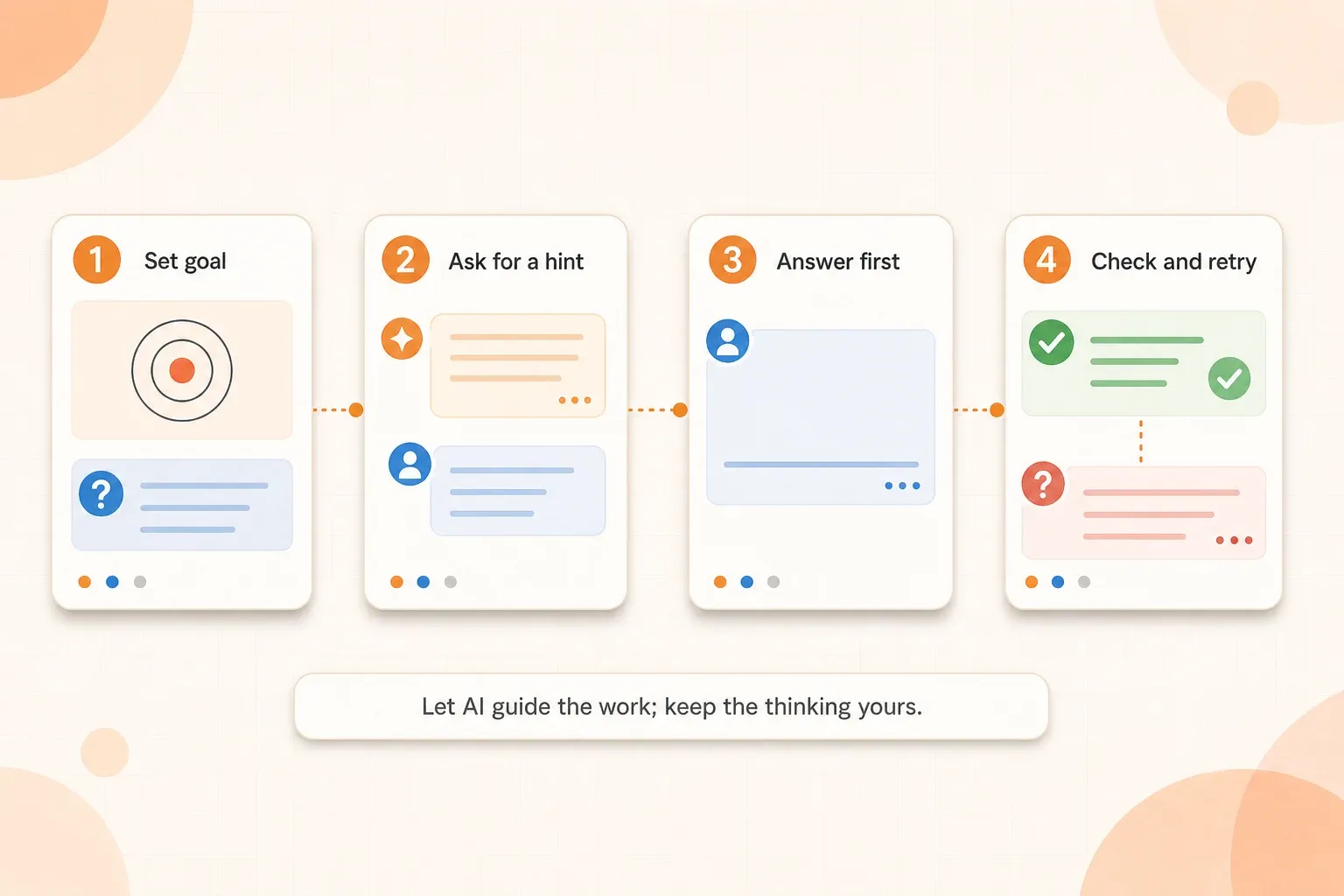
The goal is not to make ChatGPT sound like a teacher. The goal is to create a sequence in which the student does the important cognitive work and receives help at the point of difficulty.
Start with Study mode or a clear tutor prompt
If Study mode is available in your ChatGPT account, use it as the starting point for a guided session. Tell ChatGPT what you are studying, what you already understand, and what you want to be able to do. It can then use questions, hints, and explanations as part of the same interaction. OpenAI's Study mode guide explains how the feature supports guided learning.
You do not need Study mode to follow this method. In a regular chat, state the same rules yourself: ask one question at a time, wait for your attempt, give hints before solutions, and keep the conversation grounded in your material. The important choice is the tutoring behavior, not the label on the tool.
What a useful AI tutor does differently
The difference is clear when you compare "Explain cellular respiration" with a guided study request.
| Answer machine | Study tutor |
|---|---|
| Gives a complete explanation immediately | Starts by checking what you already know |
| Solves the problem for you | Asks you to choose a first step |
| Praises an answer without examining it | Points out the missing link or unsupported step |
| Produces more notes | Creates a question you must answer |
| Ends when the explanation is finished | Ends after a retry shows what you can do alone |
ChatGPT can move between these roles in the same conversation, so state the role you want before starting. Otherwise, a vague request such as "help me study" often produces a summary, a list of facts, or an oversized quiz that does not match the gap you are trying to repair.
Set the tutor rules before the first question
Give the conversation a small set of operating rules. Tell ChatGPT the subject, your level, the source it should use, and the type of help you want. Also say what it should not do.
A useful starting instruction is:
"Help me study [topic] from the material I provide. Ask one question at a time. Let me answer before you explain. If I am stuck, give a small hint first, then a stronger hint only if I ask. After I answer, tell me what is correct, what is missing, and what I should try next. Do not give me the full answer before I have attempted the question."
Then add the actual task: "Start by asking me one question that checks whether I understand [specific concept]."
This instruction is more useful than a long role description because it defines observable behavior. You can tell whether ChatGPT is following it: one question appears, you get a chance to answer, and the feedback leads to another attempt.
Use hints before explanations
When you are stuck, do not jump straight to "give me the answer." Ask for help in stages:
- Give one clue about the relevant idea.
- Point to the part of the question that matters.
- Ask what the next step should be.
- Show a worked step only if the attempt still cannot continue.
- Ask for a similar question after the explanation.
For a calculation, a useful request might be: "Give me one hint about which quantity I should identify first. Do not solve it yet." For a reading, ask: "Point me to the sentence or condition I should examine, but let me explain its meaning."
Hints preserve a productive difficulty. They also reveal what kind of support you need. If the first hint is enough, the gap may be a recall problem. If you need the full method every time, the underlying concept or procedure needs more direct study.
Answer first, then request feedback
Use ChatGPT after an attempt, not instead of one. Write your answer, outline, calculation, or explanation before asking the tool to judge it. Ask for feedback in separate parts:
- What is correct?
- What is missing or inaccurate?
- Which step caused the problem?
- What would a stronger answer need to show?
- What new question should be attempted next?
This prevents a vague response such as "That looks good" from ending the session. It also makes feedback more actionable for extended answers. Instead of asking ChatGPT to rewrite an essay paragraph, ask it to identify the claim, evidence, explanation, or qualification that is missing. Then revise the paragraph yourself.
For a maths or science problem, ask the tool to inspect the setup before the final number. For a history answer, ask whether the explanation connects evidence to the claim. For a language exercise, ask which rule or pattern explains the correction. Feedback should expose the decision that needs to change, not just display a polished replacement.
Make ChatGPT question you in different ways
One question format can make you feel confident simply because the wording is familiar. Rotate the task so that you have to use the idea, not just recognize it.
- Recall: "What is the definition of this term?"
- Explain: "Explain why this process happens in your own words."
- Compare: "What is the key difference between these two mechanisms?"
- Apply: "What changes if this condition is removed?"
- Diagnose: "Here is my attempted solution. Where did the reasoning first go wrong?"
- Teach back: "Ask me to teach the idea to a beginner, then challenge one weak part of my explanation."
This is the same principle behind a broader active-recall routine. ChatGPT is useful here because it can generate the next question and adapt the difficulty, but the learning still comes from producing and examining the answer.
Keep the conversation grounded in your material
ChatGPT may explain a general concept correctly while still answering the wrong version of the course question. Give it the relevant lecture section, notes, slide, or problem statement when the course uses specific terminology or methods.
Tell it what to treat as the source of truth. For example:
"Use the notes below as the primary source. If the notes do not answer a question, say that clearly. Separate what is stated in the notes from any general background you add."
For important definitions, formulas, dates, and quotations, compare the response with the original material. A tutor can guide a conversation and still make a confident mistake. Source checking is part of the study method, not an optional final step.
This is especially important when you upload a long document or a collection of notes. Ask for questions from one section at a time and keep page or section references beside the answers. That keeps the conversation connected to material you will actually be assessed on.
Example: a biology tutoring session that preserves the thinking
Suppose a student is studying cellular respiration and keeps memorizing the names of the stages without understanding the role of oxygen. A weak request would be: "Summarize cellular respiration and make me a quiz."
A tutor-style session is narrower:
- The student provides the relevant notes and asks ChatGPT to check understanding of oxygen's role.
- ChatGPT asks: "What happens to the electron transport chain when oxygen is unavailable?"
- The student answers from memory: "It stops because oxygen is part of the chain."
- ChatGPT gives a hint: "Think about what oxygen receives at the end, and what would happen if that transfer could not occur."
- The student revises the answer and explains the consequence for the chain and the rest of the process.
- ChatGPT asks a changed question: "Why can fermentation allow glycolysis to continue for a while when oxygen is unavailable?"
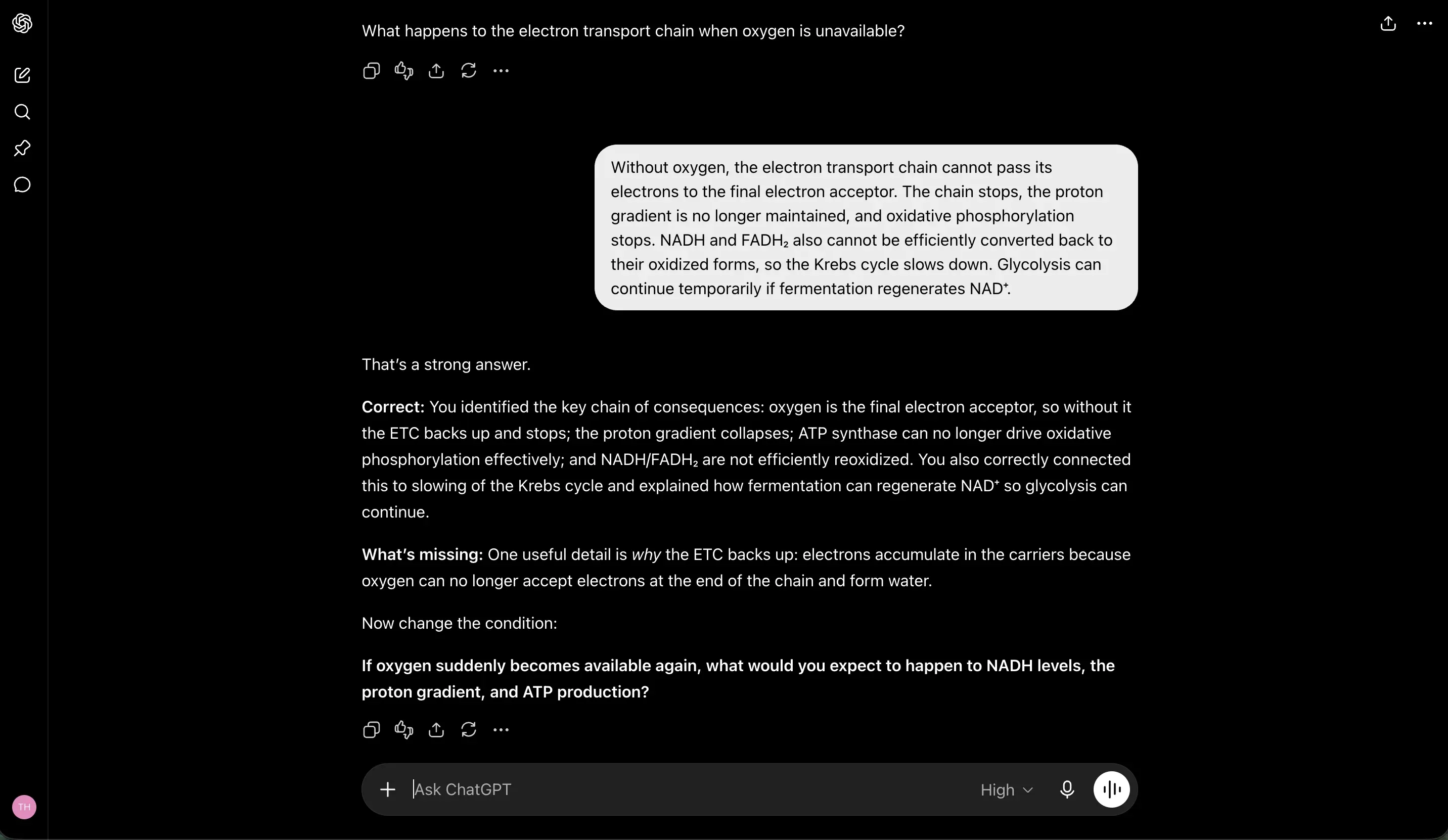
The important moment is not the first explanation. It is the student's revised answer and the changed question. That is where the session checks whether the student understands the relationship rather than simply recognizing the phrase.
Use ChatGPT to find the next question, not to create endless material
AI can generate unlimited questions, but more questions do not automatically produce better study. Ask for a small set tied to a visible gap:
- one question that checks the missing fact;
- one that changes the condition;
- one that uses the idea in an exam-style situation;
- one that tests whether the original mistake has been repaired.
After answering, remove questions that only repeat the same wording. Keep the ones that reveal whether you can transfer the idea to a new situation. If your source is a lecture or set of notes, this workflow for turning notes into focused practice questions can help you define the gap before asking ChatGPT to generate anything.
Know when ChatGPT should not be the tutor
ChatGPT is not a substitute for the course source, instructor feedback, or your own attempt. Be cautious when:
- the answer depends on a lecturer's marking preference;
- a calculation needs exact notation or a diagram the tool may misread;
- the material is sensitive or you are not allowed to upload it;
- your course or assessment rules restrict AI assistance;
- you are asking it to write an answer you are expected to produce independently.
In those cases, use it for questions, explanations, or a checklist after checking the course policy. For a wider framework on using AI for studying without outsourcing the work, see the responsible-AI study guide.
How to tell whether the session helped
Do not judge the session by how clear the chat sounded. Close the conversation and check whether you can:
- Explain the concept without copying the wording from the chat.
- Answer one new question with a changed example or condition.
- Identify the step that would still make you hesitate in an exam.
- State the next small review action without asking ChatGPT to choose everything for you.
If you cannot do these things, the conversation may have produced recognition rather than understanding. Return to the source, make another attempt, and ask for a smaller hint. The useful comparison is what you can produce without the chat open, not how polished the conversation sounded.
The tutor should make you more independent
The best ChatGPT study session does not end with a perfect explanation. It ends with a learner who can answer a related question, explain the reasoning, and identify what still needs work.
Set the goal, provide the source, answer before asking for help, and use hints in stages. Then close the chat and test the idea again without its support. ChatGPT can make the next question easier to find, but understanding still has to be demonstrated by the student.