
If you want to study a YouTube lecture effectively, do not just watch it once and save the link. Turn the lecture into three study outputs: clear notes, flashcards for the important facts, and quiz questions that test whether you can use the ideas without replaying the video.
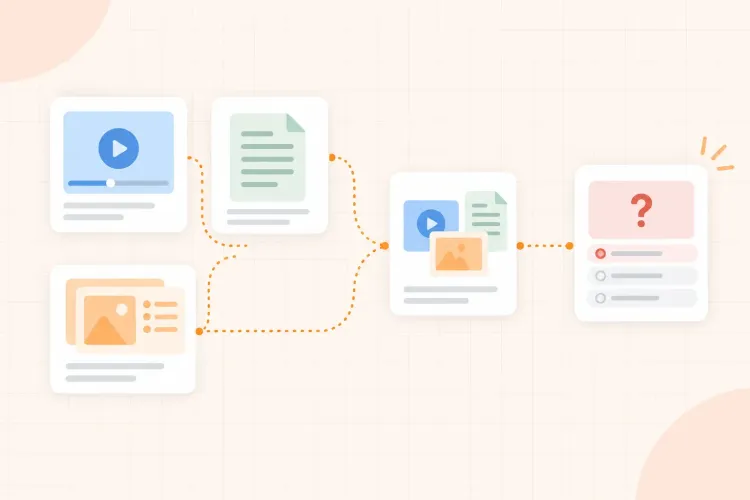
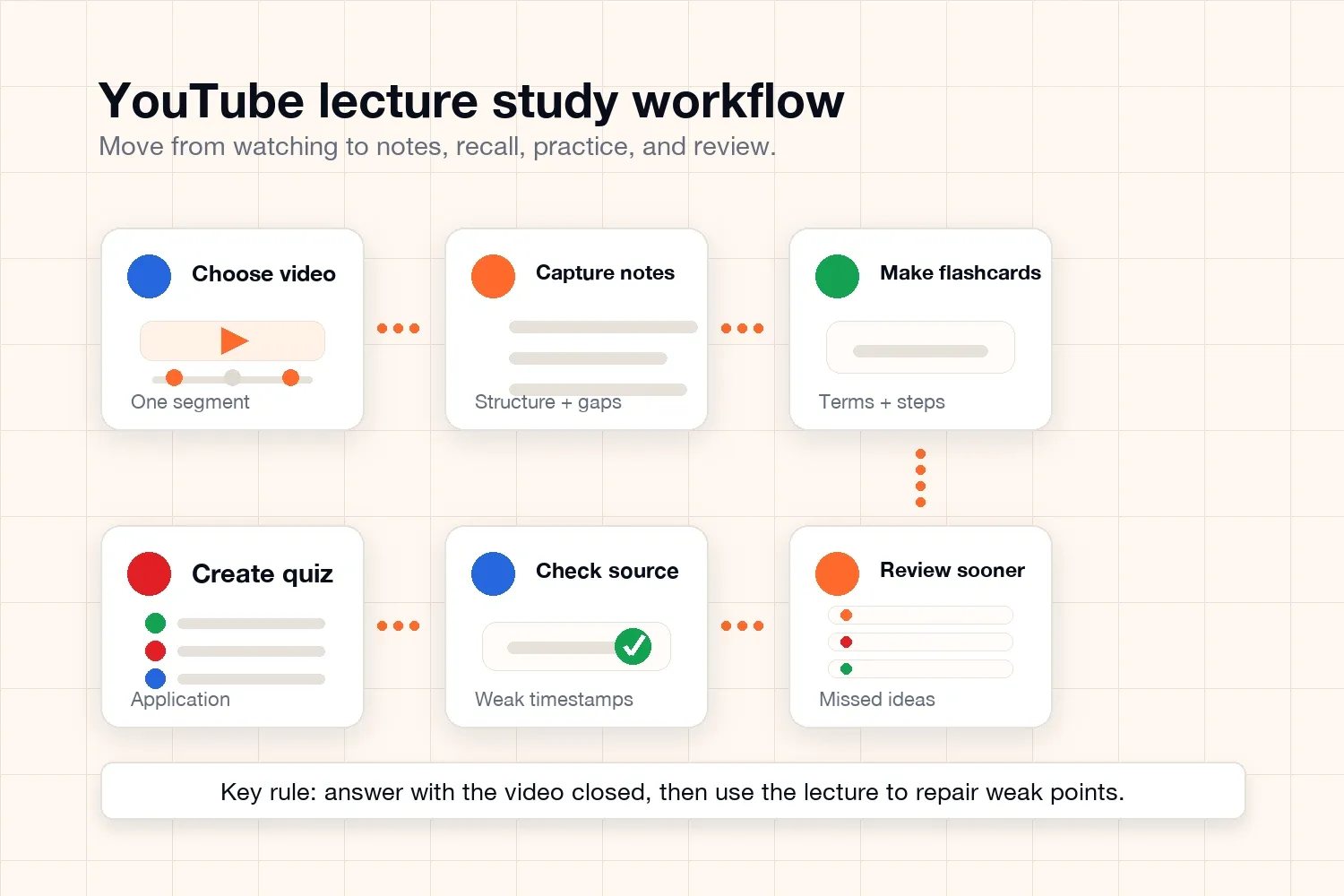
The simple workflow is: watch with a purpose, capture the structure, turn key details into flashcards, turn explanations into quiz questions, then review the parts you missed. That gives you something to study after the video ends.
This matters because YouTube lectures can feel productive while staying passive. You may understand the explanation while the teacher is talking, but that does not prove you can remember it tomorrow or apply it in an exam. The goal is to move from watching to retrieval.
How to turn a YouTube lecture into notes, flashcards, and quizzes
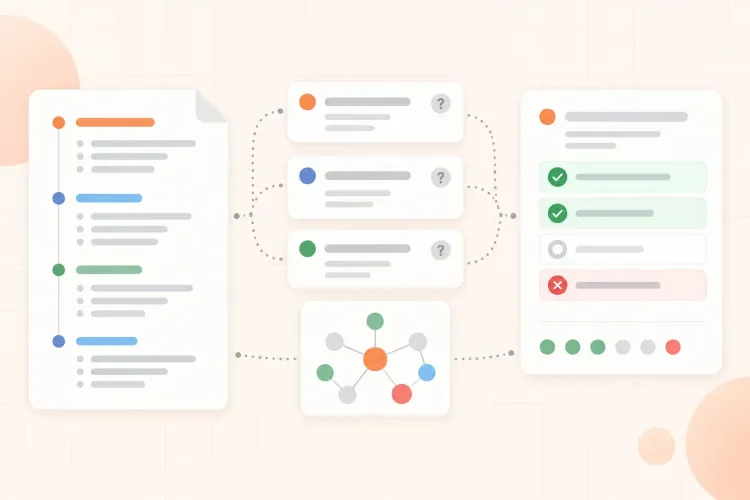
Use the lecture transcript and timestamps as source material, then turn them into three separate study outputs. Notes capture the structure of the lecture. Flashcards save the facts you need to recall quickly. Quiz questions test whether you can apply the ideas without replaying the explanation.
The important detail is sequence. Do not jump straight from a transcript to a giant summary. First identify the lecture's sections, then choose the facts worth memorizing, then create questions that make you explain, compare, or solve something.
Start with one lecture, not a playlist
The biggest mistake is trying to process too much at once. A playlist looks organized, but it can hide the real work: choosing one lecture, understanding it, and turning it into practice.
Start with one video that matches a real study need. Good choices include:
- One class lecture you missed
- One topic your teacher explained too quickly
- One exam topic you keep avoiding
- One tutorial that explains a process or problem type
- One lecture segment from a longer recording
If the video is long, split it into a 15- to 25-minute section. Your target is not to summarize everything. Your target is to create a small study set you can actually review.
Before pressing play, write one question: what should I be able to do after this lecture? For example: "explain opportunity cost," "solve a basic derivative problem," or "describe how photosynthesis converts light into stored energy." That question keeps your notes focused.
Turn the lecture into useful notes
Good YouTube lecture notes should capture the structure of the explanation, not every sentence. If you write too much, you create a transcript. If you write too little, you create a vague summary that cannot support practice.
A useful note page usually includes:
- The main topic of the lecture
- The 3 to 6 subtopics or steps
- Key definitions and formulas
- One worked example or case
- Confusing moments to revisit
- Questions you still need to answer
If you prefer to start from the video automatically, you can turn a YouTube lecture into structured notes, then edit the output against the actual video. A transcript helps because it gives you searchable source text, but the notes still need structure, examples, and questions you can review later.
A good note from a biology lecture might look like this:
- Topic: cellular respiration
- Key idea: cells convert glucose into usable energy
- Main stages: glycolysis, Krebs cycle, electron transport chain
- Key detail: oxygen is the final electron acceptor
- Example: muscle cells need more mitochondria because they use more ATP
- Question: what changes when oxygen is unavailable?
That note is short, but it already contains material for flashcards and quizzes.
Do not stop at the transcript
A transcript is useful because it preserves the lecture words and makes it easier to find timestamps. But a transcript is not the same as study material. It is usually too long, too linear, and too close to the original explanation.
Use the transcript to find definitions, examples, and confusing moments. Then rewrite those pieces into shorter notes, flashcards, and quiz questions. If a timestamp explains a weak point, keep it as a reference so you can replay only that section after you have tried to answer from memory.
Turn key facts into flashcards
Flashcards are best for details you need to retrieve quickly. From a YouTube lecture, that usually means terms, definitions, formulas, steps, diagrams, people, dates, or short cause-and-effect links.
Do not turn every line of your notes into a card. Choose the details that would block understanding if you forgot them.
Good flashcards from the cellular respiration notes would be:
| Prompt | Answer |
|---|---|
| What is glycolysis? | The process that breaks glucose into pyruvate. |
| Where does most aerobic respiration happen? | In the mitochondria. |
| What role does oxygen play? | It accepts electrons at the end of the chain. |
| Why do muscle cells need many mitochondria? | They need a lot of ATP for contraction. |
These are good flashcards because each prompt has a focused answer. You can hide the answer, try to retrieve it, then check quickly.
If the video has many terms, you can create flashcards from a lecture video, then delete weak cards and rewrite broad prompts. A card like "Explain cellular respiration" is too large. It should become several smaller prompts.
Turn explanations into quiz questions
Quiz questions are better when the lecture asks you to connect ideas, apply a process, or choose between similar answers. They show whether the notes and flashcards have become usable knowledge.
Use quiz questions for:
- Worked problems
- Cause-and-effect reasoning
- Comparing two similar concepts
- Applying a rule to a new example
- Explaining why an answer is correct
- Mixing ideas from different parts of the lecture
From the same cellular respiration lecture, stronger quiz questions would be:
- A cell has glucose but no oxygen. What part of respiration is most affected, and why?
- Why would a heart muscle cell contain more mitochondria than a skin cell?
- If the electron transport chain stops working, what happens to ATP production?
- Which stage comes first: glycolysis or the Krebs cycle? What product connects them?
These questions are harder than flashcards because they force you to use the pieces together. That is the point. A quiz should reveal whether you can think with the lecture, not only recognize words from it.
For video-based studying, it can help to generate questions from a lecture video, answer them with the video closed, and only then check the source. The answer-before-checking step is what makes the quiz useful.
Check the video only after trying
Rewatching is not wrong. The problem is rewatching before you have tried to remember anything.
After you create notes, flashcards, and quiz questions, close the video and answer from memory. Then use the lecture as a checking tool:
- Answer the flashcards without looking.
- Answer the quiz questions without replaying the lecture.
- Mark anything you missed or guessed.
- Rewatch only the timestamps that explain those weak points.
- Update the notes, cards, or questions.
That turns the video into something you can test yourself against, instead of another explanation to replay. For the learning science behind that shift, read the guide to active recall.
A 30-minute workflow for one YouTube lecture
Here is a practical session you can use when you do not want the process to become a long setup project.
| Time | What to do | Output |
|---|---|---|
| 3 minutes | Choose one lecture or segment | One clear study target |
| 8 minutes | Watch and capture structure | Short notes |
| 7 minutes | Create recall prompts | 8 to 12 flashcards |
| 7 minutes | Create or answer questions | 4 to 6 quiz questions |
| 5 minutes | Check mistakes against the video | Weak points to review |
The timing can change, but the order matters. Notes come first because they organize the source. Flashcards come next because they store the small pieces. Quizzes come after that because they test whether those pieces work together.
For example, a 45-minute biology lecture on cell respiration should not become 45 minutes of rewritten notes. A useful output might be six short section notes, eight flashcards for terms and steps, four quiz questions that make you explain the process, and one or two timestamps for the parts you got wrong.
What to do with mistakes
Mistakes are not just a score. They tell you what kind of study output you need next.
If you missed a fact, make or review a flashcard.
If you remembered the fact but could not explain it, make another quiz question.
If you were confused by the original explanation, go back to the timestamp and improve your notes.
If you missed the same idea twice, mark it as a weak topic and review it sooner.
For example, if you forget oxygen's role in the chain, that is a flashcard problem. If you know the fact but cannot explain why oxygen shortage changes ATP production, that is a quiz problem. If neither answer makes sense, that is a notes problem.
Common mistakes to avoid
Do not copy the transcript and call it notes. A transcript records the lecture, but it does not show what you understand.
Do not make only flashcards. Flashcards help with memory, but they can hide weak reasoning if you never answer bigger questions.
Do not make only quizzes. Quiz questions are useful, but they become frustrating if you have not captured the basic terms and steps first.
Do not keep watching new videos when the first one is still untested. More explanations do not automatically create better recall.
Do not review with the video open the whole time. Try first, then check. That is the difference between studying the lecture and replaying it.
The best YouTube study workflow
The best way to study from a YouTube lecture is to turn the video into a small practice system: notes for structure, flashcards for recall, quizzes for application, and weak-topic review for mistakes.
A good study session does not end when the video ends. It ends when you can close the source, answer the important questions, and know exactly what to review next.